
AI Assistant

AI Assistant
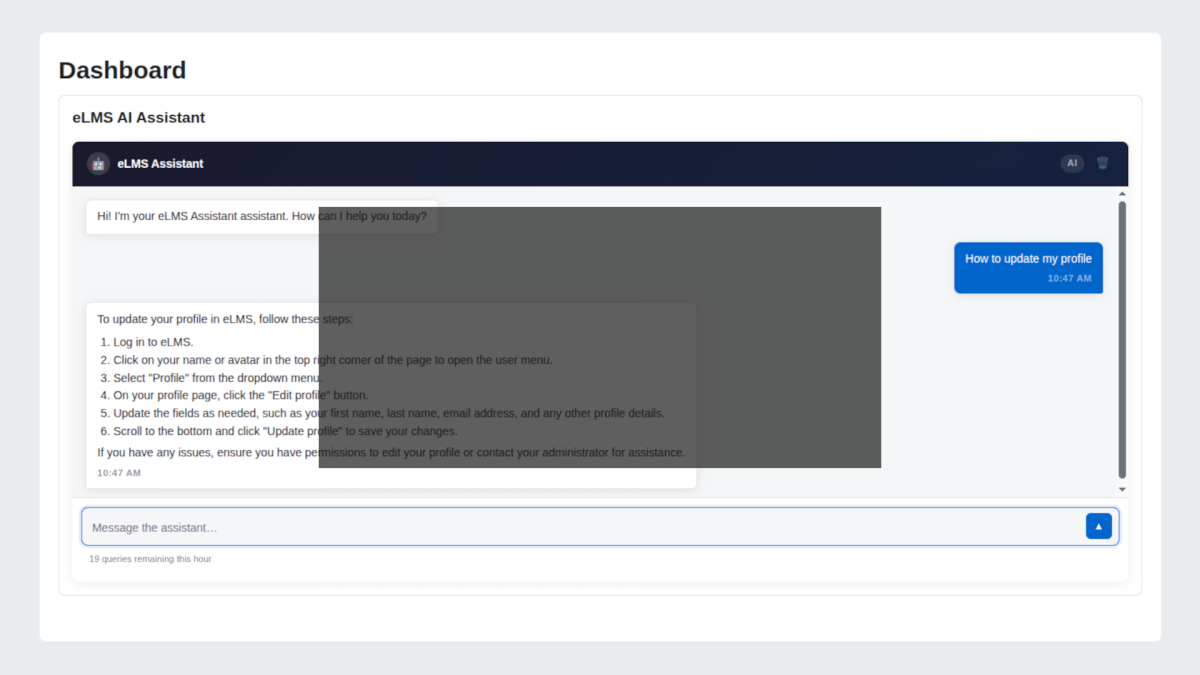
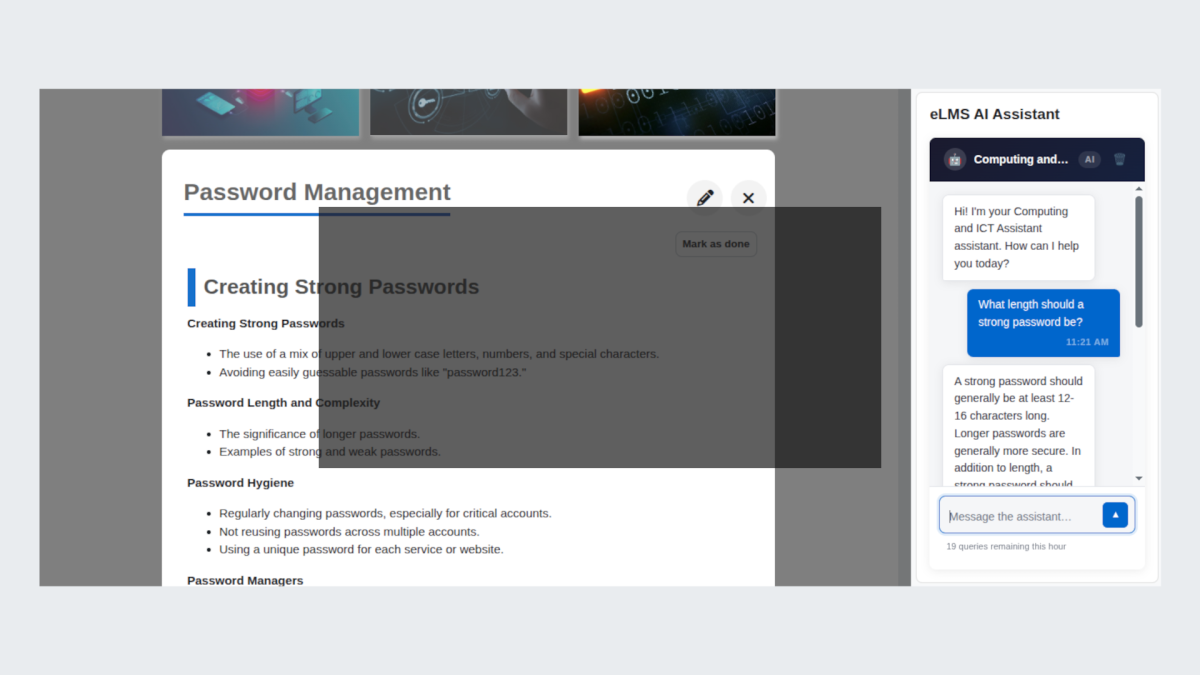
The AI Assistant is a chat tool built into your Moodle LMS platform. It appears as a panel on course pages, the site home, or the admin dashboard, and lets you have a conversation with an AI that understands the context of what you are doing. You can ask questions, get explanations, request help with course content, and have a back-and-forth discussion all without leaving the page you are on.
Features
Flexible Chat Panel
Embed the AI assistant on any Moodle LMS page, from course areas to the dashboard, giving users instant help wherever they are.
Subject-Specific Personas
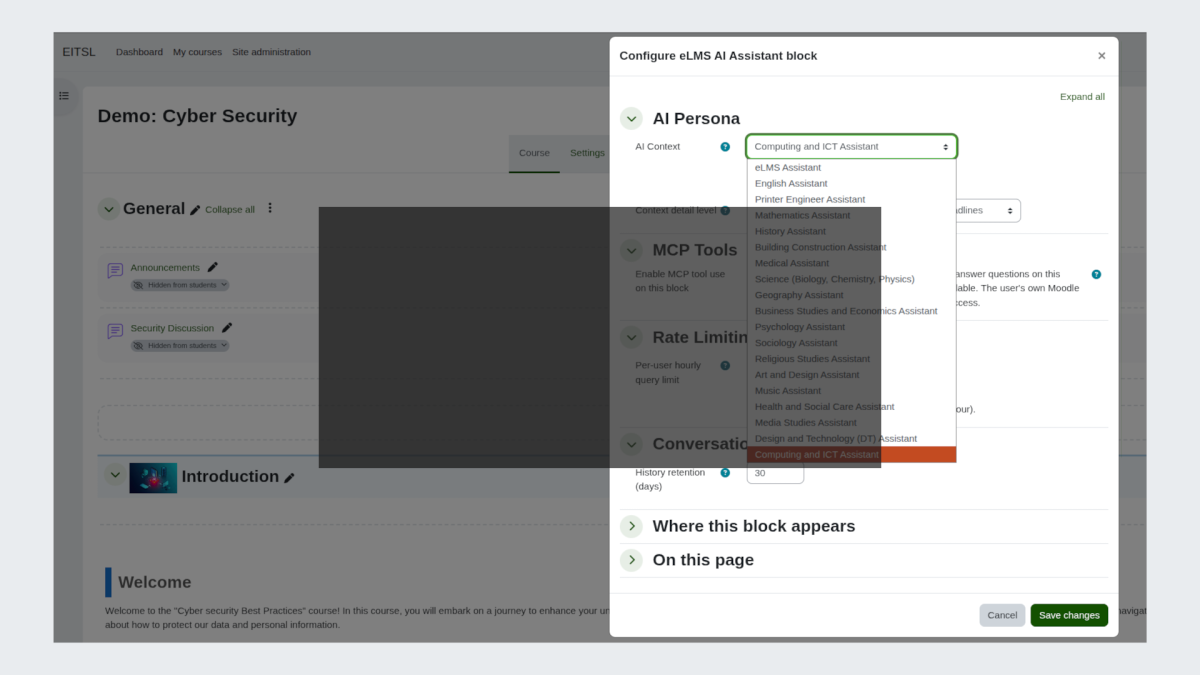
Adapt the assistant’s expertise to match the context, from a maths tutor to a medical educator, providing more relevant and accurate guidance.
Course Awareness
Automatically understands course details, user progress, and upcoming deadlines, so responses are personalised without extra input.
Persistent Conversations
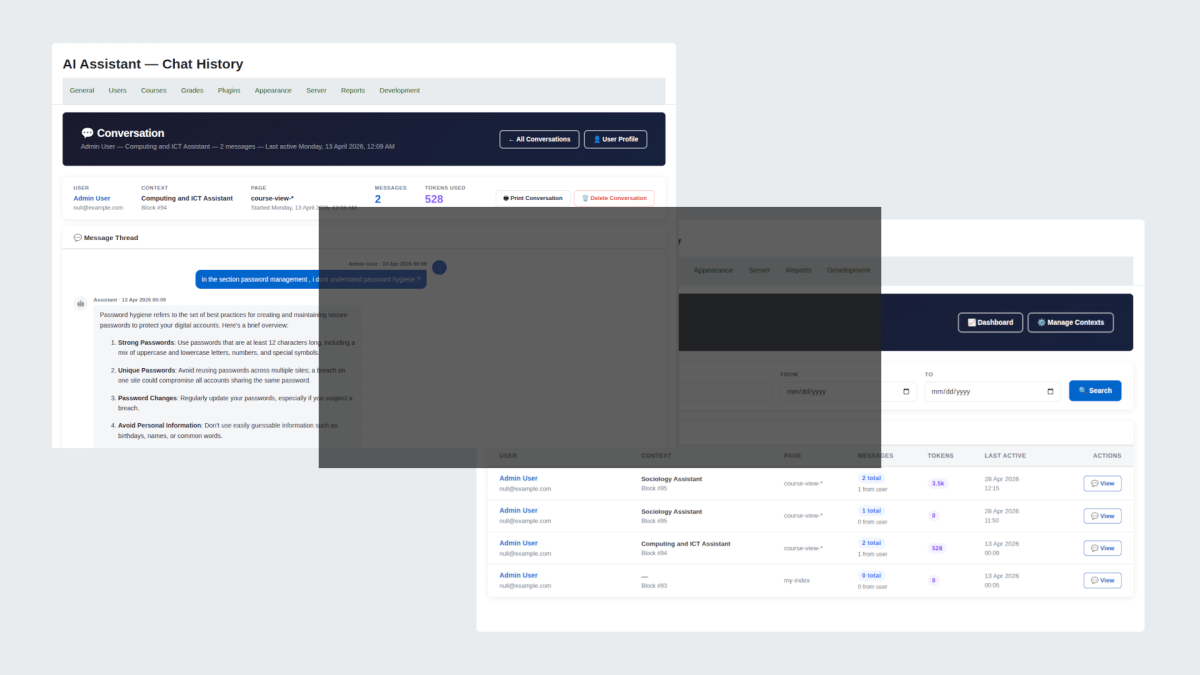
Maintain conversation history across sessions, allowing users to pick up where they left off without losing context.
Live Moodle Data Access
Connect to real site data, such as grades, enrolments, and completions, for more accurate and actionable responses (with optional integration).
Admin Controls and Insights
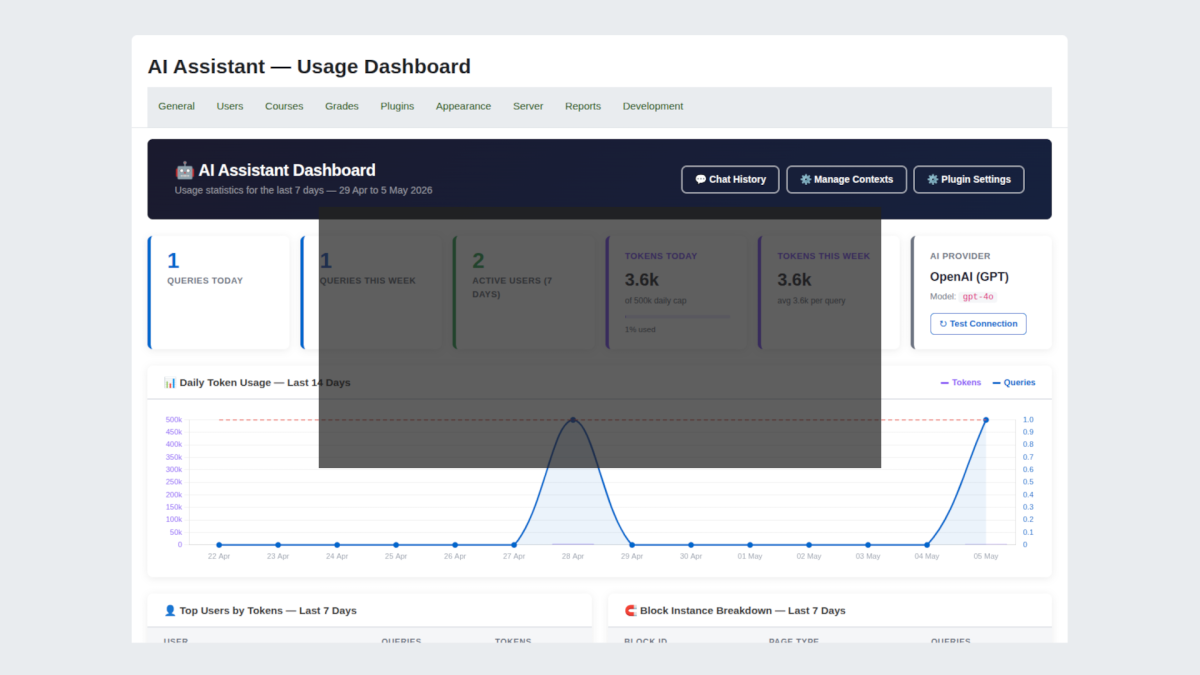
Manage usage with query limits and token budgets, while gaining visibility through dashboards that track activity and engagement.
Moodle MCP
Moodle MCP is a plugin that connects your Moodle site to EssingtonITS AI assistant or generic AI MCP aware models.
Once connected, you can ask the AI questions about your site in plain language and the AI will look up the answers directly from Moodle in real time. You can also ask it to carry out administrative tasks such as enrolling users, creating courses, or awarding badges, all from a single conversation.
Natural language access to Moodle data
Ask the AI about courses, users, grades, completions, badges, competencies, groups, cohorts, roles, and more. No SQL knowledge required.
Administrative write actions
Create and update users, enrol learners, manage cohorts and groups, create and clone courses, override completions and grades, award badges, and manage competency frameworks all through conversation.
Bulk operations
Carry out actions on multiple users or courses in a single step, with per-item results reported back.
Pre-built diagnostic workflows
Ask the AI to run a full site health check, investigate a login problem, diagnose a cron failure, or audit course completions using guided prompts.
Append-only audit log
Every request successful or not is recorded with the user, tool used, parameters, result, and execution time. The log cannot be modified or deleted by any tool.
No external dependencies
The plugin is self-contained. There is no external server, no Node.js runtime, and nothing else to install or maintain.
Get AI Assistant


Frequently Asked Questions
What is the AI Assistant plugin for Moodle?#
The AI Assistant is a Moodle LMS plugin developed by EssingtonITS that embeds a context-aware AI chat panel directly into Moodle pages including course areas, the site dashboard, and the admin interface. It allows learners, educators, and administrators to have intelligent, personalised conversations with an AI that already understands the course they are on, their progress, and their upcoming deadlines without leaving the platform.
How does the AI Assistant know about my course and my progress?#
When the AI Assistant block is placed on a course page and course context injection is enabled, it automatically receives information about the course its name, topic areas, the learner's completion progress, and any upcoming deadlines. This happens behind the scenes without any action from the learner. Optionally, administrators can enable live Moodle data access for course creators and admin users, allowing the assistant to query real enrolment, grade, and completion records for more accurate, data-driven responses.
Which AI providers does the plugin support?#
The AI Assistant supports three AI providers: OpenAI (GPT models), Anthropic (Claude models), and Microsoft Azure OpenAI (for organisations using Azure-hosted deployments). Administrators configure the provider, API key, and model name from within Moodle's Site Administration area. This flexibility allows organisations to align with existing procurement agreements, data governance requirements, or preferred AI providers.
Can we control how much the AI Assistant costs to run?#
Yes. Administrators can set a maximum daily token budget from the plugin settings. Tokens are a measure of AI usage roughly equivalent to words processed and the daily budget caps total site-wide consumption. When the limit is reached, the assistant automatically goes offline for the remainder of the day and resets at midnight. Administrators can also review usage through a built-in dashboard showing daily and weekly query counts, token consumption over the past two weeks, and a breakdown of the top users by usage.
Can different courses have different AI assistants with different personalities?#
Yes. The AI Assistant uses a persona system that allows each block placement to be assigned a distinct character and area of expertise for example, a GCSE Mathematics Tutor on a maths course, a Health and Social Care Specialist on a vocational course, and a Moodle Platform Guide on the site dashboard. Administrators create and manage personas centrally, and course creators choose the appropriate persona when configuring each block. Each placement maintains its own independent conversation history.