
Plugin Auto Updater
Plugin Auto Updater
Plugin Auto-Updater is a Moodle add-on for site administrators that provides a central, controlled way to check for and install updates to third-party Moodle plugins.
It replaces the existing update experience that is typically disabled on managed Moodle sites, giving authorised administrators a clear dashboard, flexible scheduling, and reliable update tools including support for systems with no internet connection and for privately-developed plugins that are not listed in the public Moodle directory.
Features
Centralised Plugin Dashboard
A single, clear view of every third-party plugin installed on your Moodle site, current version, available update, and status at a glance.
One-Click & Automatic Updates
Apply updates to a single plugin or every available update in one action. Set a schedule and the plugin handles everything automatically.
Automatic Backup & Revert
Every update is preceded by an automatic backup of the existing plugin files. If something goes wrong, a single click restores the previous version instantly.
Airgapped & Offline Server Support
No internet connection? No problem. Point the plugin at a local folder of plugin ZIP files and it works entirely offline.
Moodle Compatibility Checker
Before upgrading Moodle, see at a glance which of your installed plugins already have a confirmed compatible release for the target version.
Private Plugin Support
Manage in-house and privately developed plugins through the same dashboard as public ones.

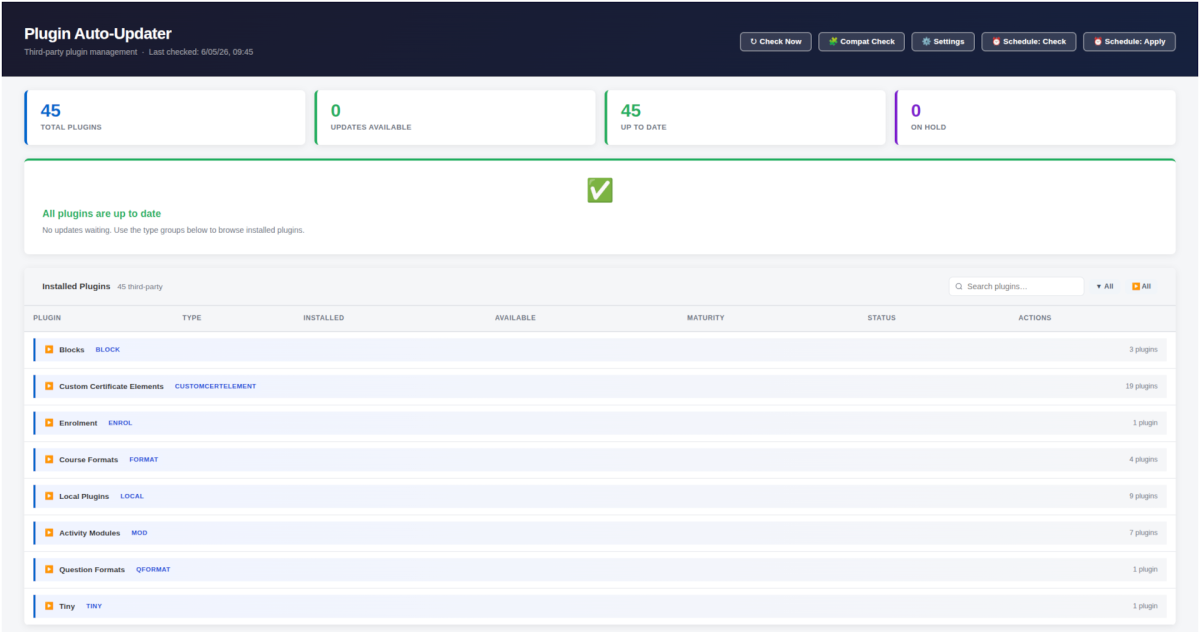
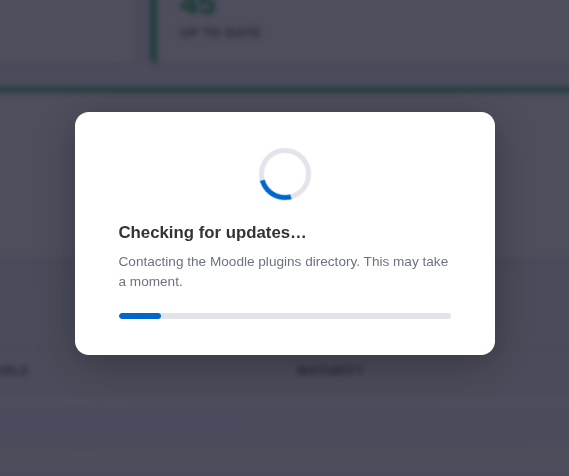
Plugin Auto Updater is fully integrated into the Moodle Site Administration. It's simple to use and keeps it self automatically updated too.
Get Plugin Auto Updater


Included as standard
Plugin Auto-Updater is included with every Moodle and eLMS instance deployed with no additional licence, no extra cost and no request needed. It is simply there, ready to use, from day one.
Frequently Asked Questions
Does the Plugin Auto-Updater update Moodle itself?#
No. Plugin Auto-Updater only manages third-party plugins that have been separately installed on your Moodle site. Moodle core and all standard bundled plugins are not affected and remain entirely outside the scope of this tool.
Can I use the plugin on a server with no internet connection?#
Yes. Enable the Local Repository mode in Settings and point it at a folder on your server containing the plugin ZIP files you want to use. The plugin reads entirely from that folder no network connection is needed at any point. Standard ZIP files downloaded from moodle.org work without any modification.
What happens if an update fails or causes a problem?#
By default, the plugin automatically saves a backup of the existing plugin files before every update is applied. If something goes wrong, a Revert button appears on the dashboard and restores the previous version with a single click. The failure is also reported clearly on the dashboard and in the results email so you always know exactly what happened.
Will applying updates disrupt learners using the site?#
A brief interruption is possible if a plugin is actively in use at the exact moment its files are being overwritten. To minimise any impact, the default schedule runs in the early hours of Sunday morning. For time-sensitive updates outside of that window, applying them during a planned maintenance period is recommended.
Can it manage plugins that aren't listed on the public Moodle directory?#
Yes. The plugin supports a private GitLab registry for in-house or privately developed plugins. Once connected using a read-only deploy token, privately developed plugins appear in the same dashboard alongside public ones and are updated through exactly the same workflow keeping all plugin management in one place regardless of the source.